01
Unified file management
Manage files across different storage backends in one place, reducing context switching.
Bring your scattered files into your own cloud. Find inspiration with AI semantic search. One place. Endless possibilities. All yours.
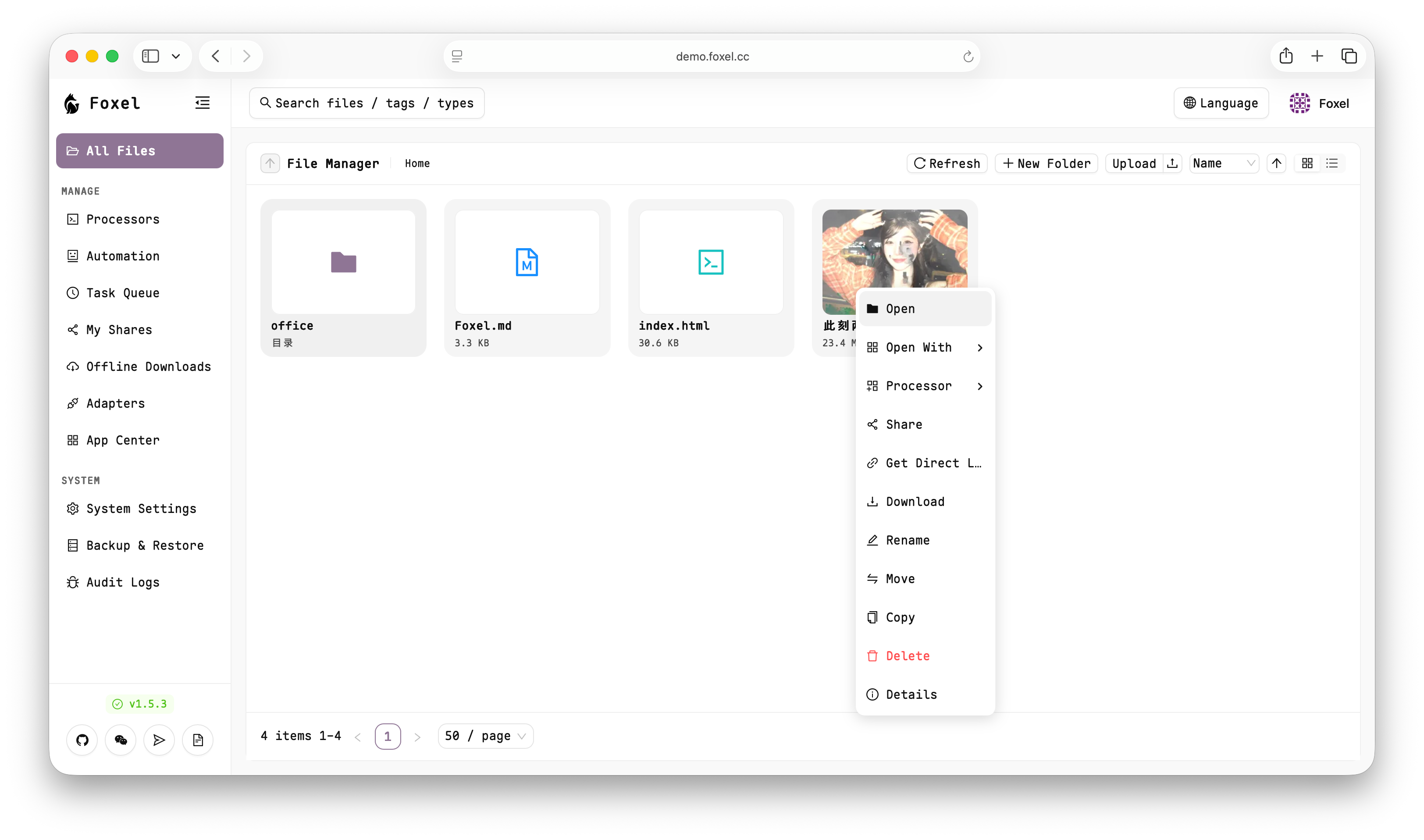
From storage to search, file management feels simple again.
Manage files across different storage backends in one place, reducing context switching.
An extensible adapter model to integrate multiple storage types and expand on demand.
Search images, documents, and other unstructured content with natural language.
Preview images, videos, PDFs, Office docs, text, and code without downloading.
Create public or private share links with clear access boundaries.
Run async jobs (indexing, backups, etc.) without blocking the main app.
Visit the demo environment to quickly understand key flows and UI interactions.
demo.foxel.ccUsername/Password: admin / adminDocker Compose is the recommended way to start Foxel.
Consider updating SECRET_KEY and TEMP_LINK_SECRET_KEY in compose.yaml with random strong keys.
On first launch, follow the setup to initialize the admin account.
# 01 Create data directories
mkdir -p data/db
mkdir -p data/mount
chmod 777 data/db data/mount

# 02 Download the Compose file
curl -L -O https://github.com/DrizzleTime/Foxel/raw/main/compose.yaml

# 03 Start services
docker-compose up -d
Bugs, suggestions, and PRs are welcome. Contribution guide:
Join the community for updates, discussions, and support.

If the QR code expires, add WeChat ID drizzle2001 and we’ll invite you to the group.